

Blocks
A blocks field is a list where each item has its own type, like a hero, a text or a gallery. Editors usually pick a block for page building or component stacking.
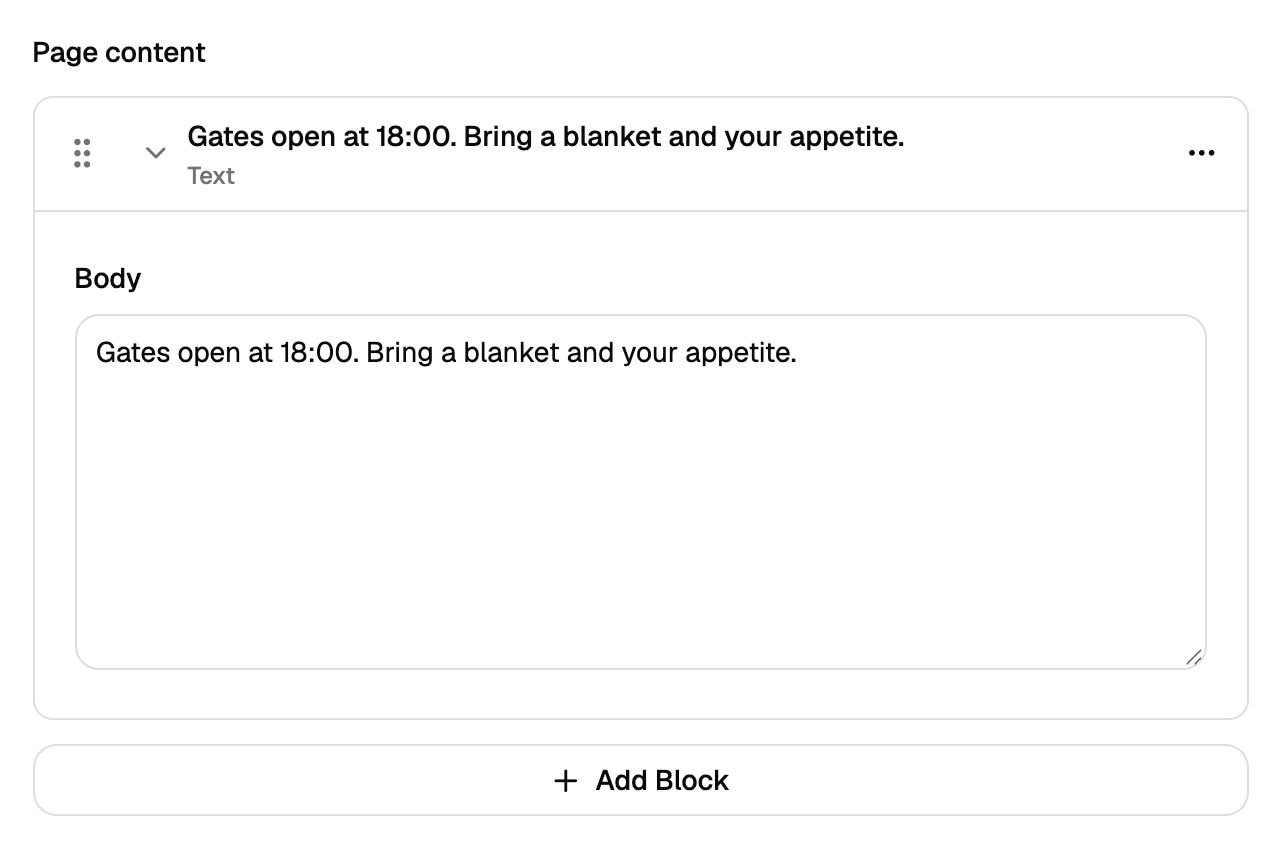
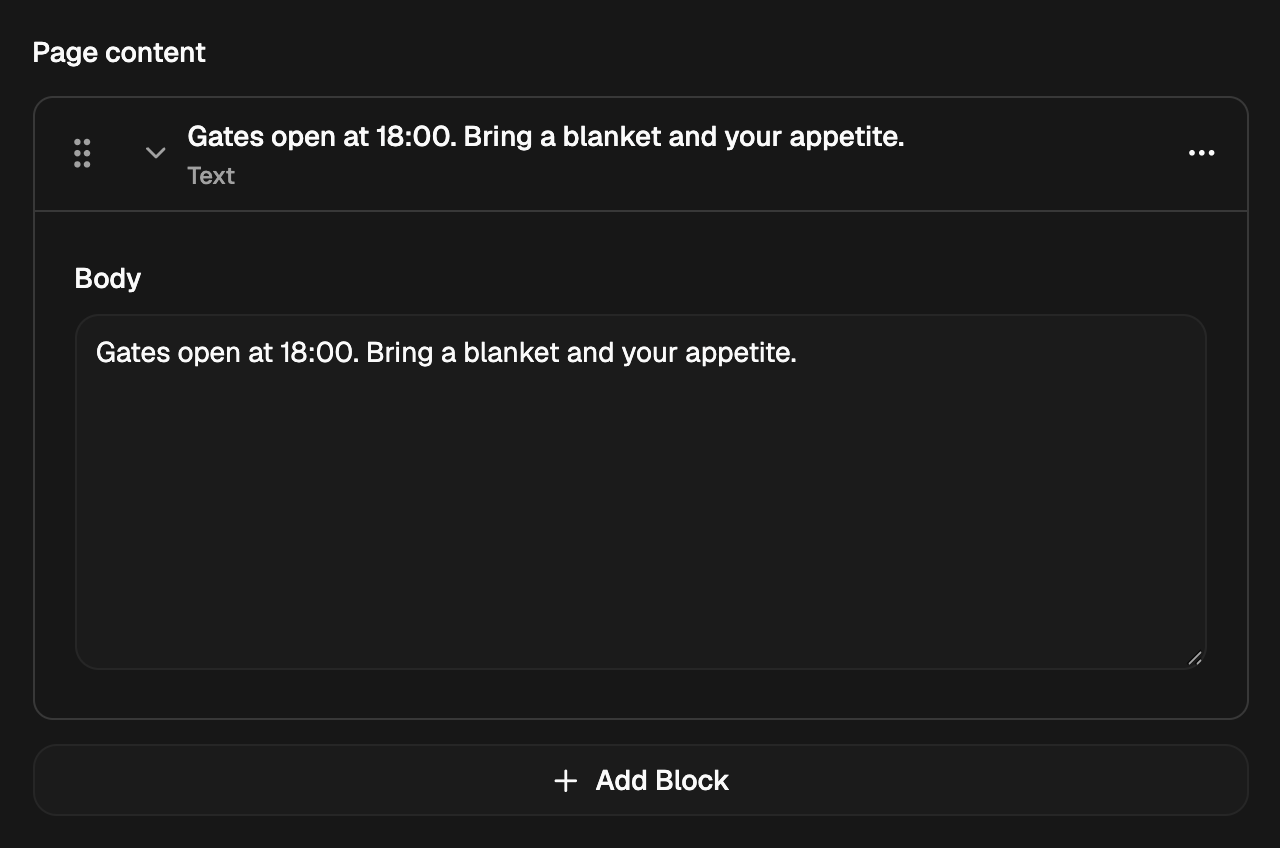
Example
Each key in blocks is one block type:
export const pages = defineCollection({
  fields: {
    title: { type: "text", required: true },
    content: {
      type: "blocks",
      blocks: {
        hero: {
          label: "Hero",
          description: "Big title with an image",
          icon: "image",
          fields: {
            title: { type: "text", required: true },
            image: { type: "image" },
          },
        },
        text: {
          label: "Text",
          icon: "text",
          fields: { body: { type: "richtext" } },
        },
      },
    },
  },
});
An item stores its type in blockType, next to its stable id:
"content": [
  { "id": "a1", "blockType": "hero", "title": "Welcome", "image": "m1" },
  { "id": "b2", "blockType": "text", "body": { "type": "doc", "content": [] } }
]
The type of a read is a union of the blocks. Check blockType, and TypeScript knows the fields:
for (const block of page.content ?? []) {
  if (block.blockType === "hero") block.title; // string
}
Render it
The Blocks component renders each item with the component of its type:
---
import { Blocks } from "tenoncms/astro/components";
import Hero from "../blocks/Hero.astro";
import Text from "../blocks/Text.astro";
---

<Blocks blocks={page.content} components={{ hero: Hero, text: Text }} />
<script setup lang="ts">
import Hero from "~/components/blocks/Hero.vue";
import Text from "~/components/blocks/Text.vue";
</script>

<template>
  <TenonBlocks :blocks="page.content" :components="{ hero: Hero, text: Text }" />
</template>
import { Blocks } from "tenoncms/react";
import { Hero } from "../blocks/Hero";
import { Text } from "../blocks/Text";

<Blocks blocks={page.content} components={{ hero: Hero, text: Text }} />;
Each component gets the item as its block prop:
---
import { Image } from "tenoncms/astro/components";

const { block } = Astro.props;
---

<section class="hero">
  <h1>{block.title}</h1>
  {block.image && <Image image={block.image} sizes="100vw" />}
</section>
<script setup lang="ts">
import type { Image } from "tenoncms";

defineProps<{ block: { title: string; image?: Image | null } }>();
</script>

<template>
  <section class="hero">
    <h1>{{ block.title }}</h1>
    <TenonImage v-if="block.image" :image="block.image" sizes="100vw" />
  </section>
</template>
import { Image } from "tenoncms/react";

export function Hero({ block }) {
  return (
    <section className="hero">
      <h1>{block.title}</h1>
      {block.image && <Image image={block.image} sizes="100vw" />}
    </section>
  );
}
See Components for all props.
Shared blocks
A block is a plain object. To use it in several places, put it in its own file and import it. satisfies Block checks it and keeps its exact types:
import type { Block } from "tenoncms";

export const hero = {
  label: "Hero",
  fields: {
    title: { type: "text", required: true },
    image: { type: "image" },
  },
} as const satisfies Block;
content: { type: "blocks", blocks: { hero, text } },
Nested blocks
A block can have its own blocks field, so items nest. A columns block with a left and a right list works this way.
A block that contains itself, like a section inside a section, needs a name. Define it in defineCms({ blocks }) and use the name where the block object would go:
export default defineCms({
  // ...
  blocks: {
    text: { fields: { body: { type: "richtext" } } },
    section: {
      label: "Section",
      fields: {
        title: { type: "text" },
        children: { type: "blocks", blocks: ["section", "text"] },
      },
    },
  },
  collections: {
    pages: {
      fields: {
        content: { type: "blocks", blocks: { hero, section: "section", text: "text" } },
      },
    },
  },
});
- The key is what
blockTypestores. The value is the shared block's name. - A list of names is short for keys that equal the names:
["section", "text"]. - An unknown name is a type error in
defineCms().
Validation, defaults, hooks and populate work at every depth. Errors name the position, like content.2.children.0.title.
Read only some blocks
populate and select go through the list. Name the block type to pick its fields:
await cms.find("pages", {
  populate: { content: { hero: { image: true } } },
  select: { title: true, content: { hero: { title: true, image: true }, text: true } },
});
Limits
- You cannot filter by fields inside blocks.
- A field inside a block MUST NOT be named
idorblockType. - An item of a block type that is no longer in the schema fails the next save.
joinanduniquedo not work inside blocks.- In a localized collection, a top-level blocks field is localized as a whole. Fields inside MUST NOT set
localized.
Options
blockType stores. A value is a block, or the name of a shared block.required means at least one.singular defaults to "Block". See Array.The options of a block:
/blocks/hero.jpg. Cropped to 16:9.Every field type takes these options. See the fields overview for examples and validation.
({ user }) => user?.id, runs on the server only.false shares this field between languages. Only on top-level fields. See "full".tabs on the collection, global, group or list item.fieldsets.