

Rich text
A richtext field gives editors a text editor with headings, lists, links and images. It stores the text as structured JSON, not as HTML. Your site renders it with a component, so the markup stays yours.
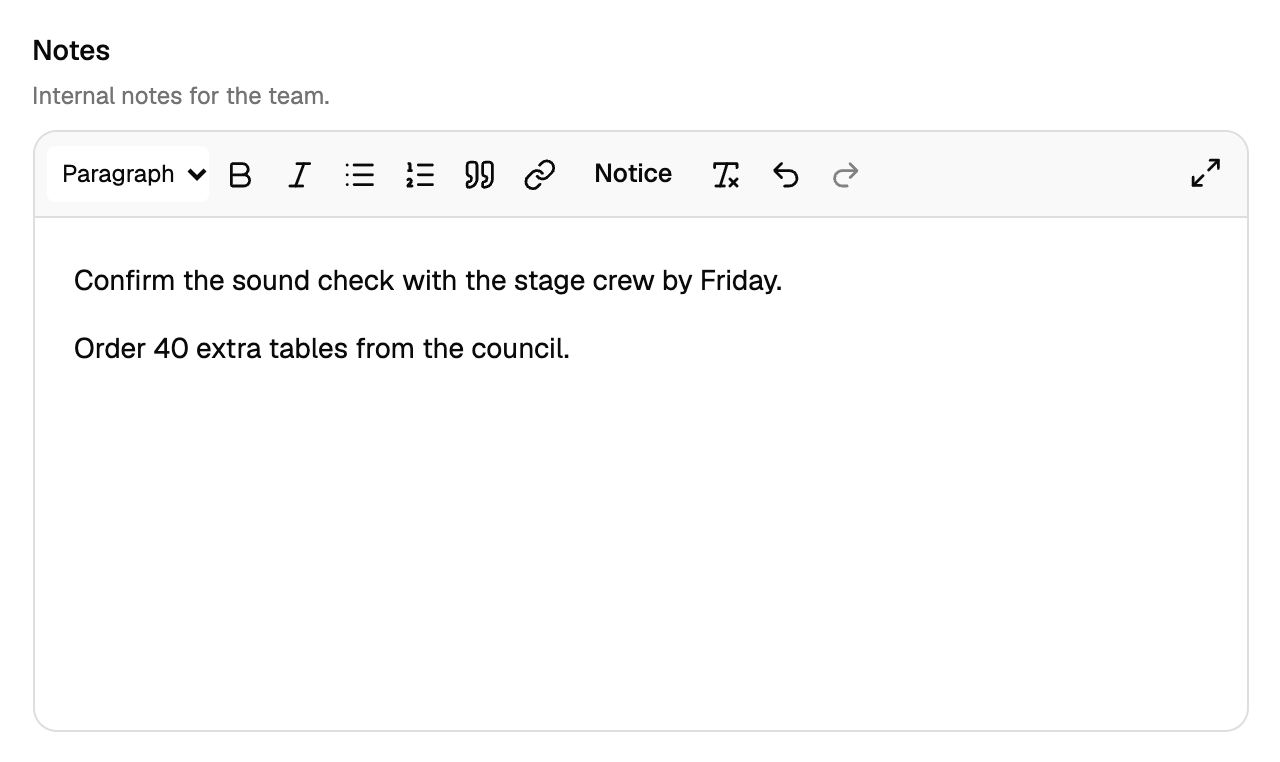
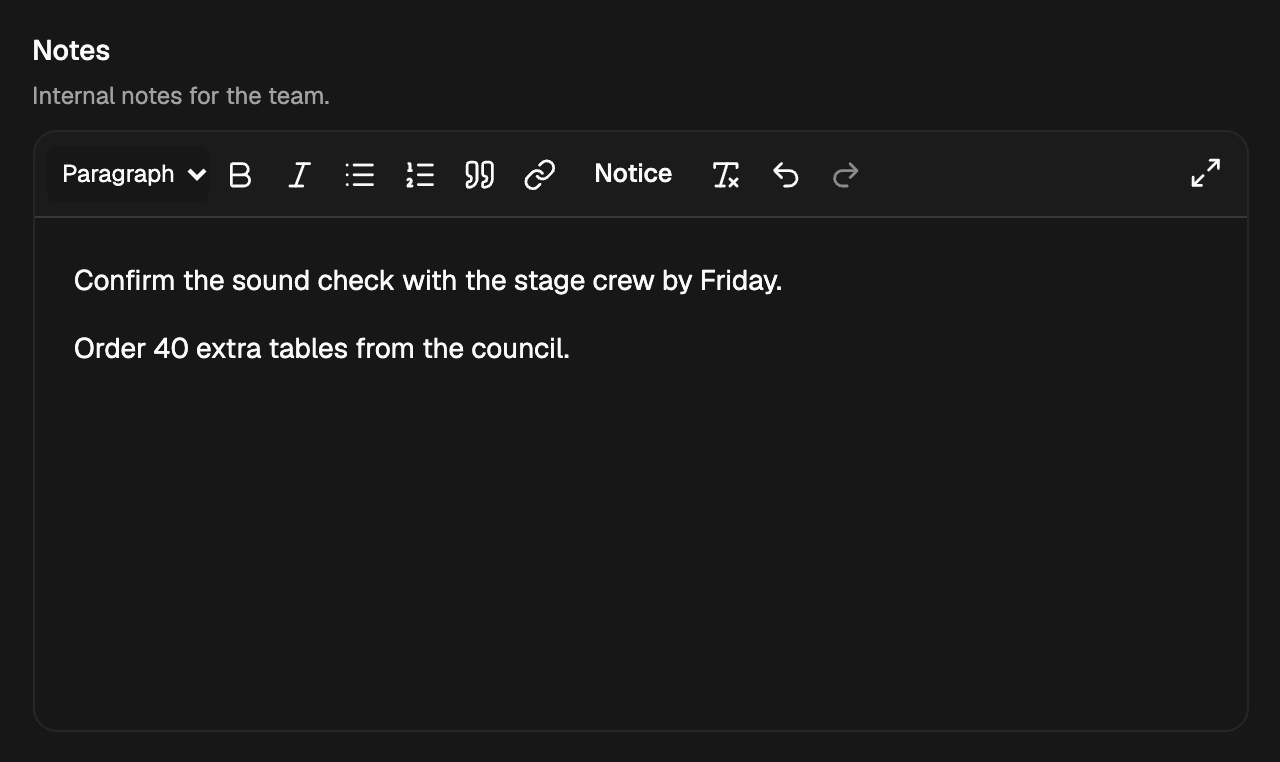
Example
export const posts = defineCollection({
  fields: {
    title: { type: "text", required: true },
    body: { type: "richtext" },
    summary: { type: "richtext", allowed: ["bold", "italic", "link"] },
  },
});
The value is a Tiptap JSON document:
{
  "type": "doc",
  "content": [
    {
      "type": "heading",
      "attrs": { "level": 2 },
      "content": [{ "type": "text", "text": "Hello" }]
    },
    { "type": "paragraph", "content": [{ "type": "text", "text": "First post." }] }
  ]
}
Render it
The Richtext component turns the JSON into HTML on the server:
---
import { Richtext } from "tenoncms/astro/components";
---

<Richtext content={post.body} class="prose" />
<template>
  <TenonRichtext :content="post.body" class="prose" as="article" />
</template>
import { Richtext } from "tenoncms/react";

<Richtext content={post.body} className="prose" />;
It adds no styles. See Components for all props and your own nodes.
Pick the features
allowed lists the features the editor offers:
summary: { type: "richtext", allowed: ["bold", "italic", "link"] },
plain: { type: "richtext", allowed: [] },
everything: { type: "richtext", allowed: RICHTEXT_FEATURES },
RICHTEXT_FEATURES comes from tenoncms/richtext. Without allowed, a field has heading, bold, italic, link, bulletList, orderedList and blockquote.
| Group | Features |
|---|---|
| Text | bold, italic, underline, strike, subscript, superscript, code |
| Style | color, highlight, textAlign |
| Blocks | heading, blockquote, codeBlock, horizontalRule |
| Lists | bulletList, orderedList, taskList |
| Other | link, image, table |
- Paragraphs, line breaks and undo are always on.
- An unknown name stops the server at startup.
- Publishing checks that the content only uses allowed features. Drafts are checked less strictly.
- A
richtextfield cannot be filtered orunique.
To add a feature of your own, like a notice box, see Rich text extensions.
CSS classes
classes lets editors apply your own CSS classes. A block class goes on a paragraph or heading. A text class goes on the selected text:
body: {
  type: "richtext",
  classes: [
    { name: "lead", label: "Lead", on: "block" },
    { name: "text-brand font-bold", label: "Brand", on: "text", preview: { color: "#c2410c" } },
  ],
},
- The site renders them as
<p class="lead">and<span class="text-brand font-bold">. Style them in your site's CSS. - The admin does not load your CSS.
previewsets the style the editor shows for the class.
Links and images
A link can point to a URL or to a document of a collection with a permalink. Editors search for pages in the link dialog.
- A link to a document stores its id, not its URL. A read adds the current URL as
href, so the link follows when the page moves. - A read of an image adds
srcandsrcsetfrom the media library. - A link or image whose target is gone reads with
broken: true. - Unsafe URLs, like
javascript:, are rejected.
When you delete a document or a file that rich text links to, Tenon asks first. The admin shows a confirmation. In code, the delete throws a LinkedContentError (409) unless you pass { allowBrokenLinks: true }.
Options
on is "block" or "text". See CSS classes.Every field type takes these options. See the fields overview for examples and validation.
({ user }) => user?.id, runs on the server only.false shares this field between languages. Only on top-level fields. See "full".tabs on the collection, global, group or list item.fieldsets.