

Image
An image field holds an image from the media library. For PDFs and other files, use a file field.
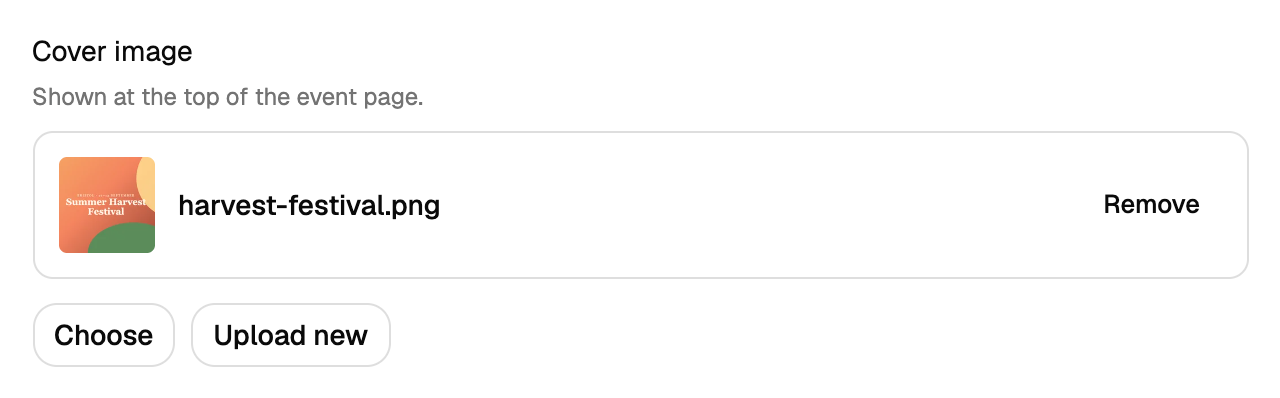
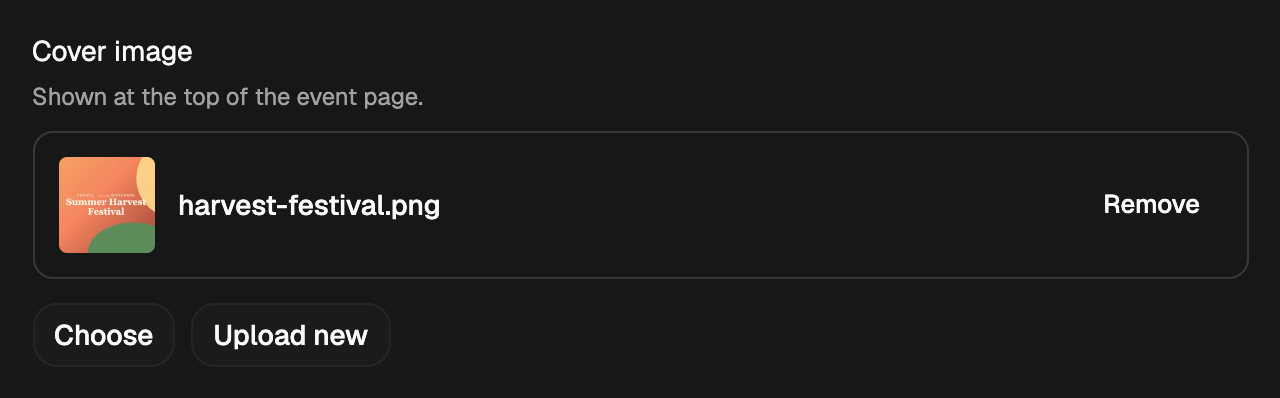
Example
export const posts = defineCollection({
  fields: {
    hero: { type: "image", required: true },
    gallery: { type: "image", many: true },
    avatar: { type: "image", maxSize: 2 * 1024 ** 2, folder: "avatars" },
  },
});
A read loads the image, like a relation:
{
  id: "m1",
  url: "/_tenon/media/files/blog/hero.jpg",
  src: "/_tenon/media/img/w_1920&f_webp&q_85/blog/hero.jpg",
  srcset: "/_tenon/media/img/w_320&f_webp&q_85/blog/hero.jpg 320w, …",
  width: 2400,
  height: 1600,
  alt: "Harbour at dusk",
  mimeType: "image/jpeg",
  size: 482133,
  folder: "blog",
  filename: "hero.jpg",
  key: "blog/hero.jpg",
}
urlis the original.srcandsrcsetare the resized copies.- With
populate: false, the field holds the id.
Render it
The Image component writes src, srcset, width, height and alt:
---
import { Image } from "tenoncms/astro/components";
---

<Image image={post.hero} sizes="(min-width: 720px) 720px, 100vw" />

{post.gallery?.map((image) => <Image image={image} sizes="33vw" />)}
<template>
  <TenonImage :image="post.hero" sizes="(min-width: 720px) 720px, 100vw" />

  <TenonImage v-for="image in post.gallery" :key="image.id" :image="image" sizes="33vw" />
</template>
import { Image } from "tenoncms/react";

<>
  <Image image={post.hero} sizes="(min-width: 720px) 720px, 100vw" />
  {post.gallery?.map((image) => (
    <Image key={image.id} image={image} sizes="33vw" />
  ))}
</>;
sizes tells the browser how wide the image shows, so it picks the right copy from srcset. See Components for Picture.
With or without an image provider
An image provider makes the resized copies. You do not have to use one.
| Setup | src | srcset | Use it when |
|---|---|---|---|
| No provider | The original | Empty | The images are small, or the framework resizes them for you |
| With a provider | A resized WebP copy | One per width | You want responsive images without another tool |
- Without a provider, the
Imagecomponent still renderswidth,heightandalt. The browser loads the original. - With a provider, set
media.imagesin the media config. Tenon supportsipx,cloudflare,vercel,netlify,imgixand more. - To pick one, see Do you need one? and Providers.
Image sizes
With an image provider, image sets how a read builds src and srcset. Use a named preset, or set the options on the field:
avatar: { type: "image", image: { preset: "avatar" } },
cover: { type: "image", image: { sizes: [800, 1600], quality: 70 } },
banner: { type: "image", image: { width: 1600, height: 600, fit: "cover" } },
The field's own options override the preset's. Sizes and presets are set with the provider. See Sizes and presets.
Use your framework's image component
Instead of a provider, you can let the framework resize the image. Leave media.images off and pass url, width, height and alt to the framework's own component.
url is a path on your site. The framework's optimizer MUST get the full URL, and it MUST allow your site's host.
---
import { Image } from "astro:assets";

const hero = post.hero;
const src = new URL(hero.url, Astro.site).href;
---

<Image src={src} width={hero.width} height={hero.height} alt={hero.alt ?? ""} />
<script setup lang="ts">
const { origin } = useRequestURL();
</script>

<template>
  <NuxtImg
    :src="`${origin}${post.hero.url}`"
    :width="post.hero.width"
    :height="post.hero.height"
    :alt="post.hero.alt ?? ''"
    sizes="(min-width: 720px) 720px, 100vw"
  />
</template>
// TanStack Start has no built-in image component. Use the `Image` from `tenoncms/react` with a provider, or an image library of your choice.
Allow the host in the framework config:
export default defineConfig({
  site: "https://example.com",
  image: { domains: ["example.com"] },
});
export default defineNuxtConfig({
  modules: ["@nuxt/image"],
  image: { domains: ["example.com"] },
});
// No setup. TanStack Start has no image component.
- Astro needs
siteset, so it can build the full URL. Withoutwidthandheight, addinferSize. - Nuxt needs the
@nuxt/imagemodule. - The field preset and
imageoptions do not apply, because Tenon makes no copies.
Deleting an image
An image that a field uses cannot be deleted. The delete fails with a 409 and lists the documents that use it. Set onDelete: "set-null" to clear the field instead.
Options
required, at least one. Default false.["image/png", "image/webp"]. Default: all images.media.maxSize."avatars". Default: the root."restrict". A required field cannot use "set-null".src and srcset. Needs media.images. See Image sizes.Every field type takes these options. See the fields overview for examples and validation.
({ user }) => user?.id, runs on the server only.false shares this field between languages. Only on top-level fields. See "full".tabs on the collection, global, group or list item.fieldsets.