

Slug
A slug is the part of a URL that names a document, like about-us in /about-us. It only takes lowercase letters, digits and single dashes.
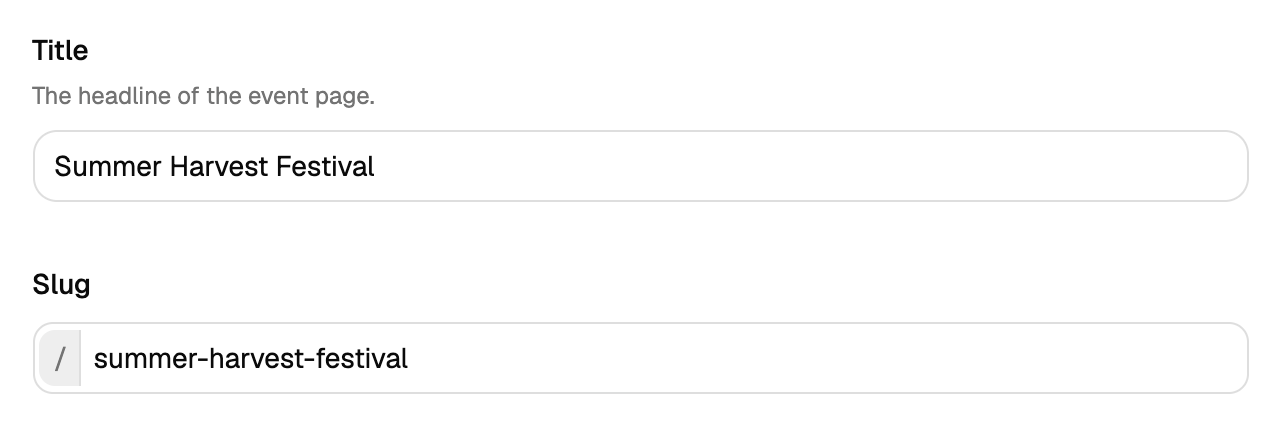
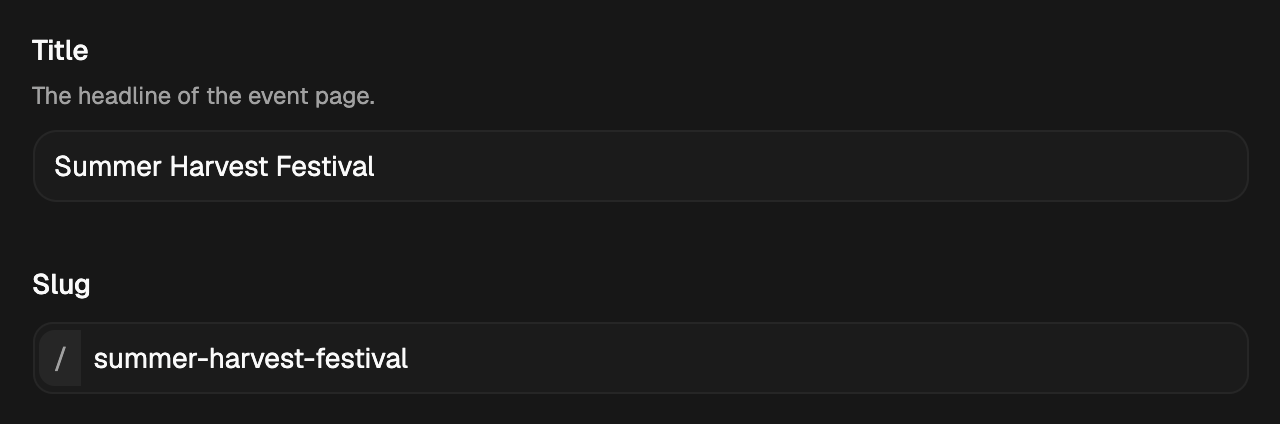
Example
export const posts = defineCollection({
  permalink: "/posts/{slug}",
  fields: {
    title: { type: "text", required: true },
    slug: { type: "slug", from: "title", unique: true },
  },
});
Find a document by its slug in a route:
const post = await cms.findOne("posts", { where: { slug: params.slug } });
Render it
<a href={`/posts/${post.slug}`}>{post.title}</a>
<template>
  <NuxtLink :to="`/posts/${post.slug}`">{{ post.title }}</NuxtLink>
</template>
import { Link } from "@tanstack/react-router";

<Link to="/posts/$slug" params={{ slug: post.slug }}>
  {post.title}
</Link>;
Filled from another field
from names a field next to the slug. An empty slug is filled from it, so Über uns! becomes uber-uns.
- In a new document, the admin fills the slug while the editor types the title, until the editor changes the slug by hand.
- The server fills an empty slug on every write, so code and imports get a slug too.
- A saved slug never changes on its own. Your URLs stay stable when the title changes.
Slugs in a tree
unique fits flat collections like posts. In a tree of pages, two pages can share a slug under different parents, like /about/team and /careers/team. What MUST be unique is the full path. The pages preset sets this up.
There, parent names a relation to the parent page. The admin shows the parent's path in front of the input, like /about/, and the editor can click it to pick another parent.
The parent and path options of the slug field only drive that admin input. The stored path and your URLs come from the preset's hooks, which build path from the parent's path and the slug, and from the collection's permalink. If you rename the fields, set the same names in both places.
Options
relation field next to this one. The admin shows the parent's path before the input and lets the editor pick the parent there. It does not build URLs. See Slugs in a tree."path".Every field type takes these options. See the fields overview for examples and validation.
({ user }) => user?.id, runs on the server only.false shares this field between languages. Only on top-level fields. See "full".tabs on the collection, global, group or list item.fieldsets.